

Happy Birthday Fireworks. Enter Name – Select Colors – Blinking Text Notification And Smiley Face Revealed At End Version. Happy Birthday eCard.
$10.00
The video file is too large to upload on GL, but you can watch the Video Demonstration of this Interactive eCard on the product page that I created for it on my website:
Product Page That Contains The Video Demonstration For this Happy Birthday Fireworks eCard..
If you decide to purchase this ecard, please purchase it here on Galilee Life.
Important, Please read:
Concerning Opening This Digital eCard, Digital Greeting Card:
- It’s best to use a computer, laptop, or tablet and open it with the Brave Browser because I developed it on a laptop using the Brave Browser
- Android phones might be able to open it with the Brave Browser too, if not some other up-to-date browser (It opened up on an android we had and it worked.)
- iPhones might be able to open it with an html viewer or some other app from the apple app store that opens html files
I currently don’t have the skills to ensure that it will absolutely work on all devices — I’m sorry — maybe someday I will be able to or be able to afford to pay someone to enable the it to.
Please Do What’s Right, Fair:
If you intend to send, give this ecard to multiple people, please purchase this ecard the same amount of times as the number of people you want to send it to. For example: if you intend to give, send it to 4 people please purchase this ecard 4 times or add it to the cart 4 times, increase the product quantity (Qty) next to the Add To Cart to 4.
Short Description:
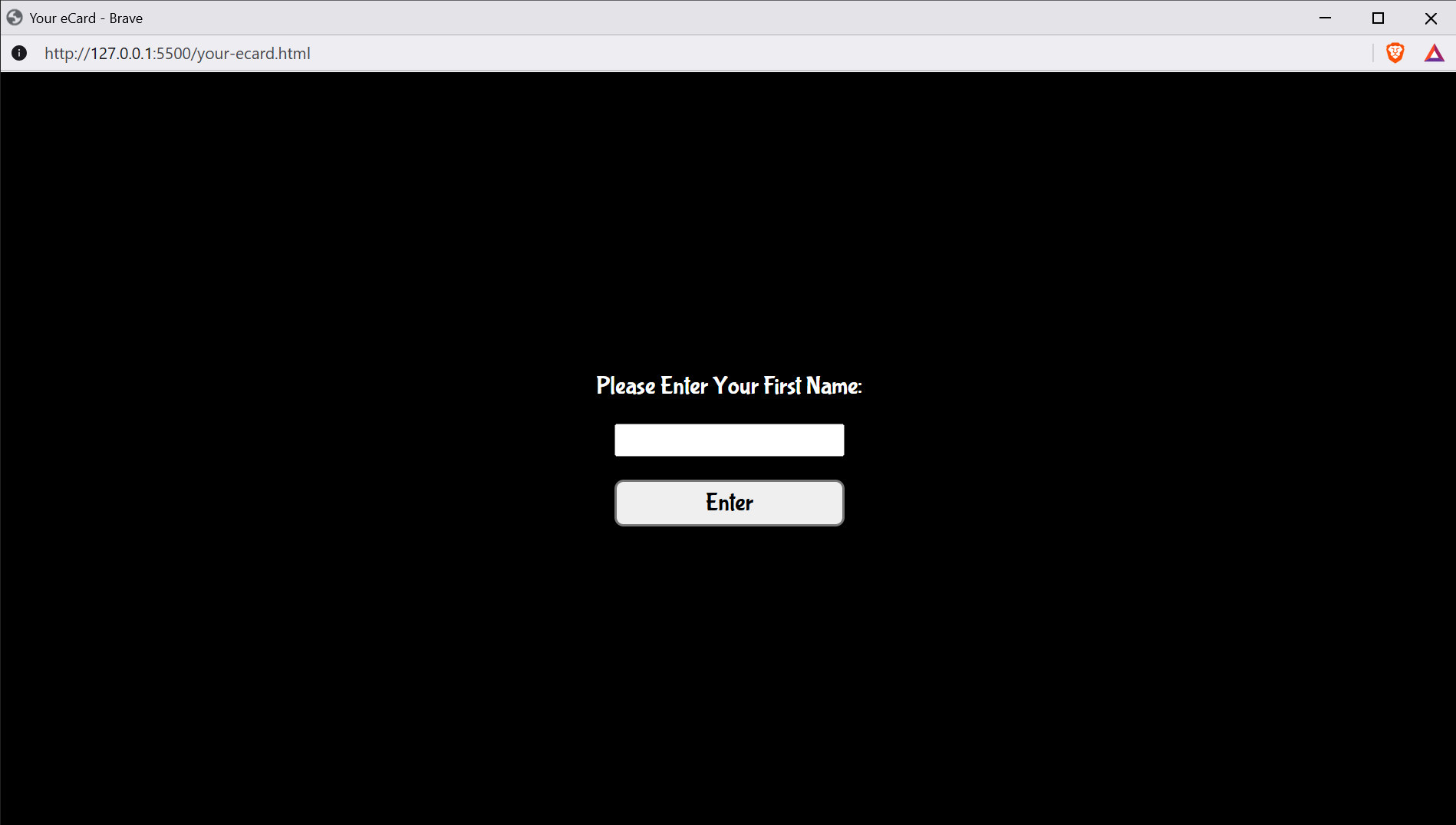
After you or the giftee enter(s) your first name on the “Please Enter Your First Name” screen. Then you or the giftee get to choose (select) one or more colors on the “Please Select One Or More Of These Colors” screen. Then you or the giftee will see text that says “Happy Birthday” with your name under the text “Happy Birthday.” When the fireworks show is finished a smiley face will appear that you can click which will enable you to do some neat things — you can watch the video demo to see an example of what you can do after the Happy Birthday Fireworks show is finished.
Add to cart
Buy Now
Collection: Greeting Cards
Report Abuse
Product Description
How This Interactive Ecard Works — Full Description:
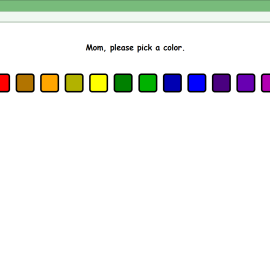
Upon the giftee (receiver) opening this ecard, the giftee may or may not enter their name when prompted to, but must press enter to proceed to the next prompt screen. On the next prompt screen, the giftee must select at least one color by clicking or tapping one of the color buttons (Note: When a color (button) is selected, it will show a ✔ mark; and it can be unselected by clicking on the same checked color (button) again which will remove the ✔ mark.) and then must click enter which will immediately display “Happy Birthday” with the giftee’s name directly under it (if they inputted their name). The firework show should last approximately 42 seconds. When it ends, a blinking text notification and smiley face should appear. If the giftee clicks the blinking “Click me.” text or the smiley face, a notification screen will open that tells them:
Please click or tap the “Pick Fireworks To Launch On Click Or Tap” button below and select at least one firework; and then click or tap anywhere on the “Happy Birthday” screen one or more times after closing this screen and watch what happens.
To open this screen (after closing this screen) click or tap the smiley face at the bottom right of the “Happy Birthday” screen; and there are four buttons on this notification screen:
- Pick Fireworks To Launch On Click Or Tap
- Pick New Colors
- Launch Your Happy Birthday Firework Show Again
- Close This Screen
to enable the giftee to pick fireworks to launch on click or tap on the “Happy Birthday” screen, pick new colors or remove colors that are used for the fireworks, launch the firework show again, and close the notification screen.
More Specific Instructions:
are in the “eCard Instructions” within the “Important Information” notification screen which is the 1st screen the giftee should see when he or she opens the ecard, file.
The Ecards Text:
Happy Birthday
(Giftee’s name goes here if the giftee inputs it.)
You must be logged in to post a review.
Loading...
Vendor Information
- Store Name: noelbray
- Vendor: noelbray
-
Address:
8210 SW 88th Lane
Trenton, FL 32693 - No ratings found yet!










Reviews
There are no reviews yet.